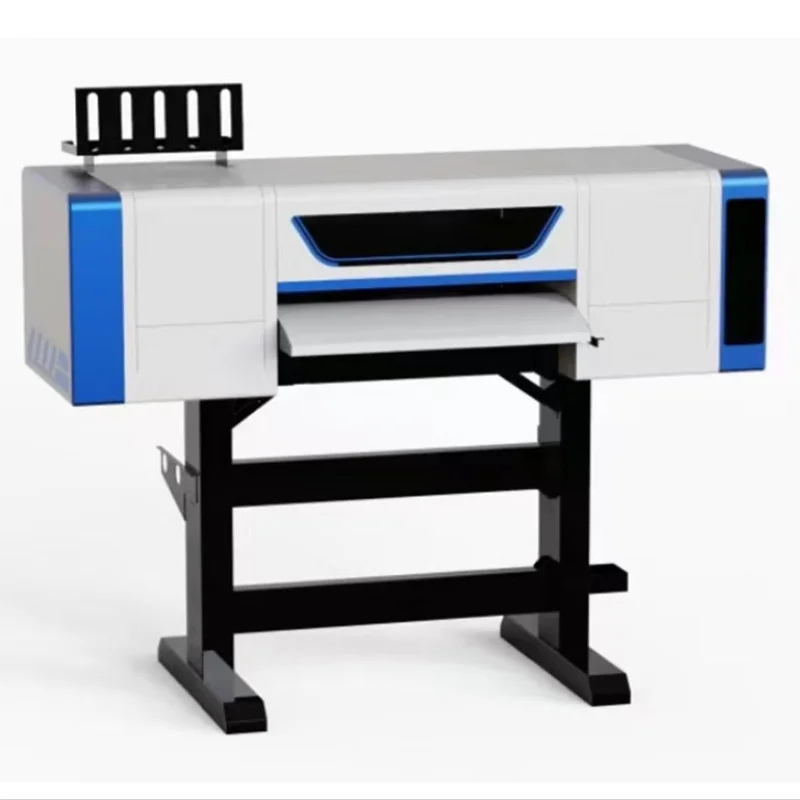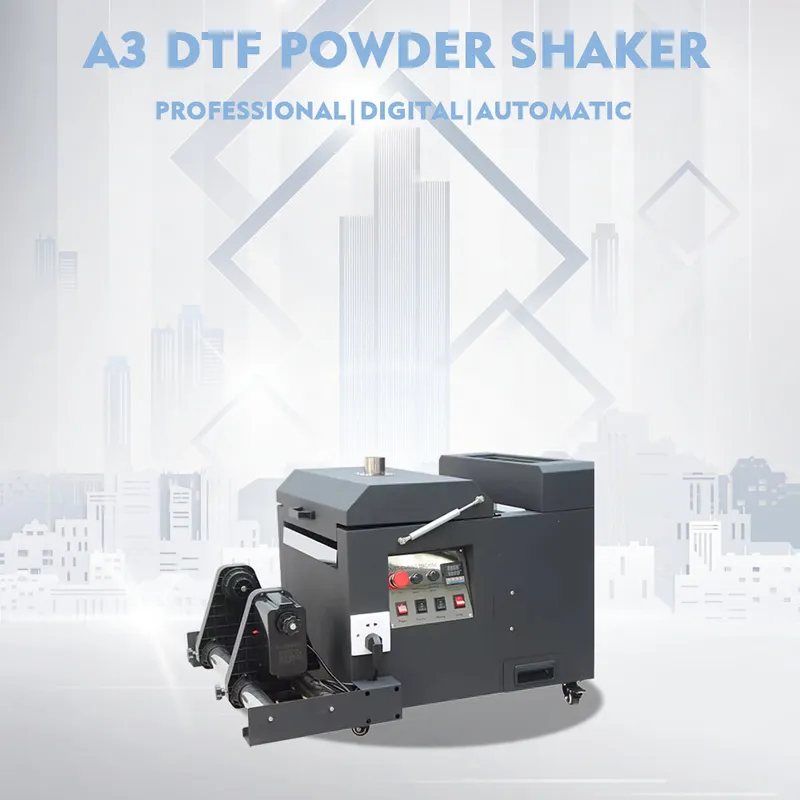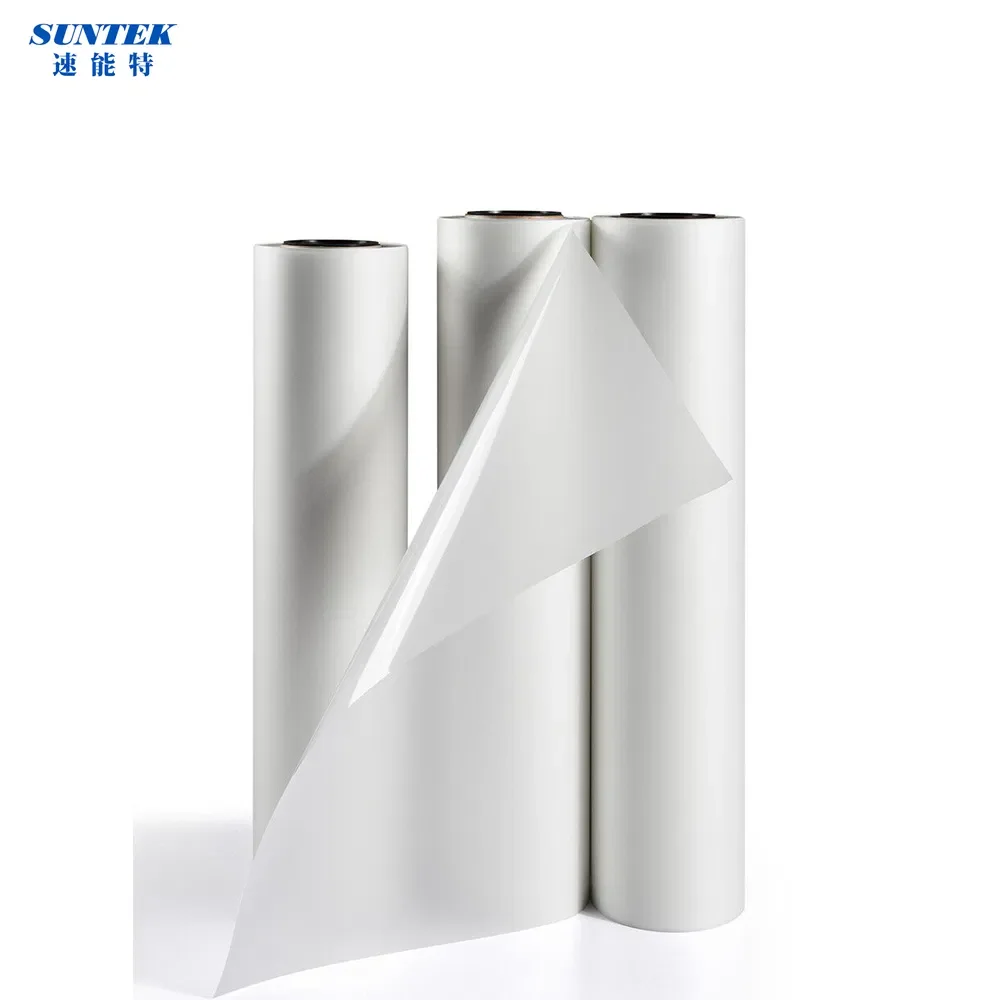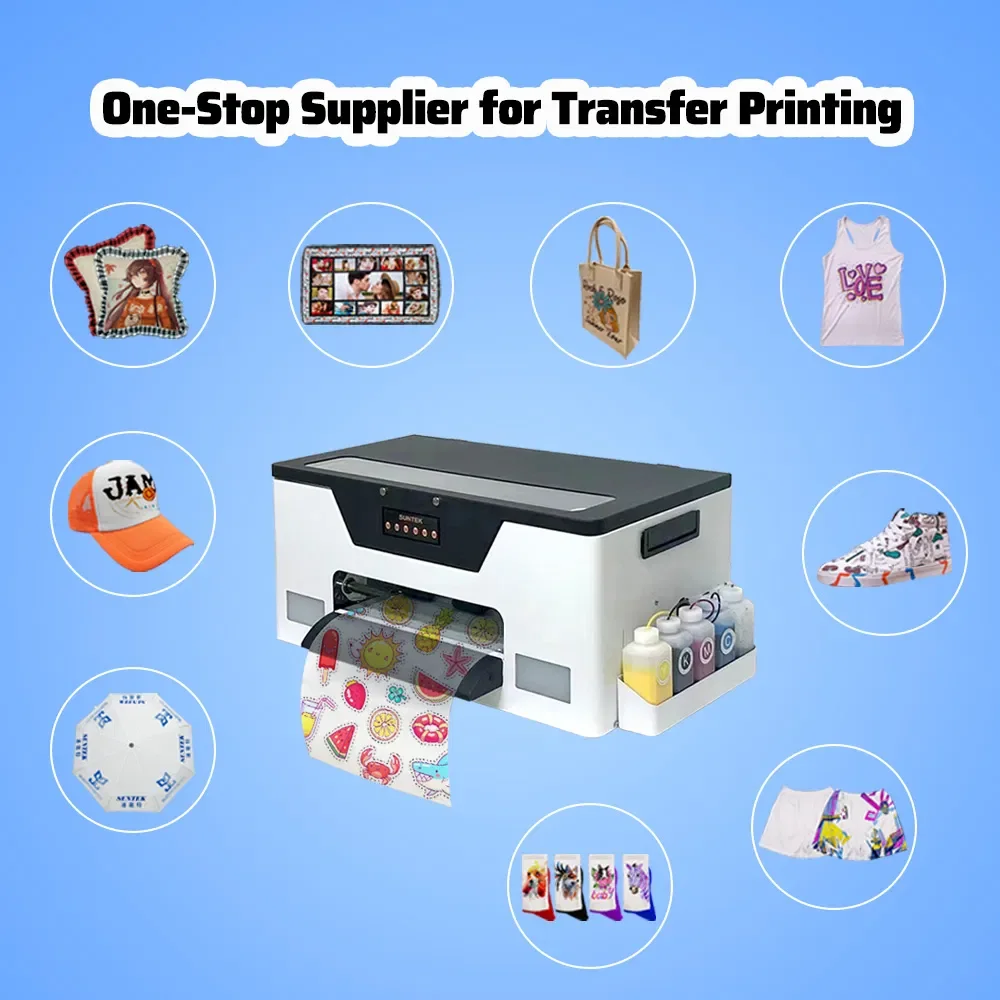
Suntek STM-DTF3042X is an A3 desktop DTF printer for PET film. It has a white-ink circulation pump and a stated power value of 2000 W. For someone choosing an A3 DTF printer, the next useful conversation is about the actual work and the configuration being considered.
Bring a job to the discussion
A3 gets you to a particular equipment category. The artwork still needs to fit the proposed media arrangement. Bring the image dimensions and layout requirements so the usable format can be discussed against an actual job, rather than leaving the word A3 to answer every media-handling question.
If output affects the choice, describe the intended work and the operating conditions you need to discuss. A general expectation about a desktop printer won't settle a production-rate question. The Suntek STM-DTF3042X listing identifies the model; the quotation needs to identify the configuration against which any output information is being considered. That gives the comparison a definite subject.
The white-ink circulation pump
This is a feature of STM-DTF3042X. The white-ink system has a circulation pump. It belongs in the operating discussion, along with the instructions for use and the consumables specified for the proposed machine.
Think about the intended working schedule as well. If use would be intermittent, explain that while getting the maintenance, cleaning and restart directions. If regular use is planned, describe that instead. The pump's presence doesn't settle the routine for either arrangement, and it shouldn't be treated as an answer to every maintenance question before those instructions have been read.
You'll want the directions to concern the machine actually being quoted. A familiar feature name on another printer isn't enough to carry its operating routine across to this one.
The unit and the equipment around it
The 2000 W figure is useful to have when discussing installation. Get the electrical details for the proposed unit, with the delivery country and intended location in view. That leaves the installation conversation with more to work from than a power value on its own.
The same applies to software and the computer. Describe the intended application and existing computer, then get the requirements and included software identified for the quoted configuration. If a particular component matters to the purchase, have it named. It's easier to compare defined configurations than a series of assumptions about what an A3 desktop printer should include.
A printer in a DTF workflow
The DTF equipment and supplies collection brings different components into view. If film, ink or other processing equipment is part of the proposed purchase, identify those items separately and discuss the combination. A collection isn't a matched-equipment list. The buying brief page helps gather the job, configuration, quantity and destination details, including any required arrival date. Current supply arrangements should concern that defined request.
Questions & answers
Which medium is identified for STM-DTF3042X?
PET film, with DTF as the printing process. Get the exact media requirements and handling details for the proposed configuration. The A3 description gives the enquiry a direction, but the artwork and intended media arrangement still need to be addressed together.
What should I know about the white-ink pump?
It identifies the circulation-pump feature of the white-ink system. Get the operating and maintenance instructions for the actual machine, including the routine relevant to the planned schedule. Don't treat a feature name as a maintenance procedure or an assurance about a printing result.
What belongs in the equipment quotation?
The specific configuration, included items, electrical requirements and software details, with any additional components identified separately. Bring the intended work and computer information into the discussion so the quotation and technical answers concern the printer being considered.